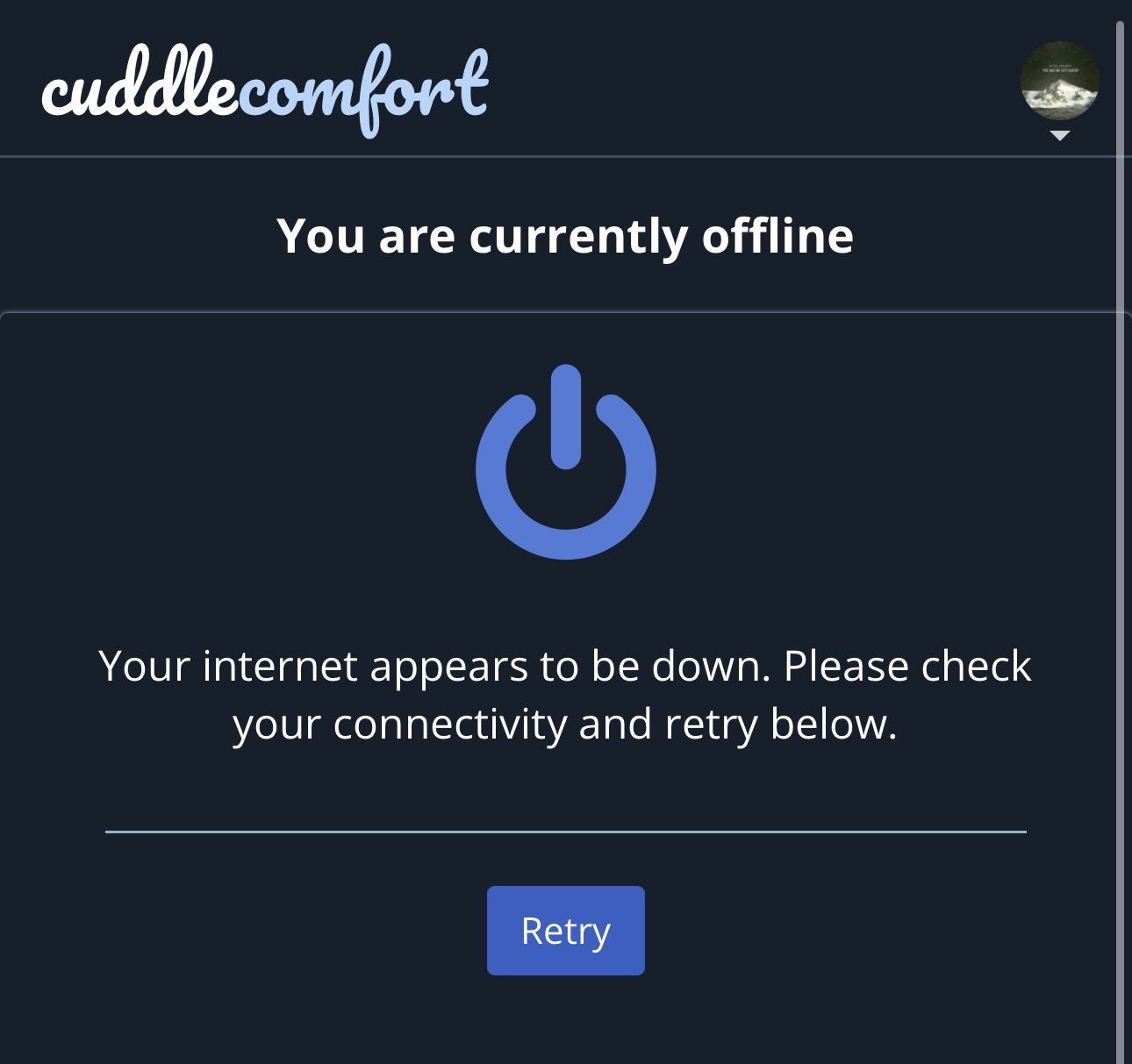
Has anyone been having issues when opening the site? Every time I open it, i get the message below. I refresh and then I’m able to open the site. This has been going on for I would say close to a week. Anyone else?
Been seeing that as well
I thought it meant my ISP was depressed since it was down.
Have you looked at the world lately? Of course it's depressed.
I've only seen this when my internet was in fact having problems.
It'd be great just sticking to the topic.
@Morpheus , yes, I see that once In a while.
When that happens and it gets annoying I just clear out my cache and cookies and it stops for a good while
Yes I have been as well
@Cuddlesofcuddle
Good call, seems to be working
I haven’t come across that.
I have been experiencing different types of technical glitches some malicious including this one
I am still experiencing this.
Happens a lot currently. Probably a bug of the system
Bugs, malware, impersonation have orgins which should be thoughtfully considered.
I thought it was fixed when I cleared cache and cookies but it came right back.
CC is still FAR better than that horrible cuddlist site with that awful map searching thing.
CC is awesome.
I am having the same issue. Also there are times our thumb pics aren’t loading and it’s a blue-ish gray circle.
The times that I get that error is when I have my VPN activated. I feel it's actually designed to discourage VPN use.
We do block many networks that VPNs use. You're meant to see a blue page telling you your VPN is blocked, rather than this confusing offline page.
Does anyone else feel this happens when they are using a VPN? Does it happen mostly navigating the forum?
I'm trying to understand what circumstances might lead to this. It's a difficult issue because we haven't actually made any changes that are connected to this (that we know of). In the meantime, we'll be adding some additional logging.
This started a few weeks ago and it is occurring at home, airports and hotels. It just suddenly started and has not subsided.
Can you elaborate a little on "not subsided"? At a guess, how often is it triggering during a browsing session of X duration?
Is it on the forum or main site or both?
My two cents: It happens a couple of times per month, and has for some time. I have never used a VPN. The problem usually clears itself if I log in again.
The forum and in searches. It defaults to cities that are not my home city on searches. I have cleared my cache, I do not use vpn and I do not change any of my settings except once a year if that. It happens everyday multiple times. All other websites and searches are fine on my devices.
@Mark I log in almost every day and it has been happening every single time I log in for the last few weeks. It also happens almost every time I search something new or post.
It’s always been on my phone and not my laptop.
Same error message consistently. And I appreciate you! 😊
Troubleshooting something like this usually requires info like OS and browser (including versions), times (including timezone), ISP, and approximate location.
Thanks guys.
@sillysassy That is a lot! Do you use a VPN at all? Is this happening at a work internet or at home?
I don't use a VPN, and I've gotten the same error page a handful of times lately, but not as much as everyone else it seems.
I have an android phone, use Chrome mobile browser, and it shows up both when on mobile data and on Wi-Fi (both work and at home). Clearing the cache seemed to fix it for me, as I haven't seen it again in a week plus.
I wonder if it may be browser or ISP related? The latter doesn't seem likely, given it showing up all over the US and on both WiFi and mobile data.
@Mark thank you for jumping in on this thread to get more clarifying information to log track and deal with this. Seeing you here means a bunch
It happens everywhere for me
Actually it seems to have stopped
Just reactivated my profile after an extended absence. While I did not get that error message when I logged on, I did just get the same one when I attempted to delete old messages in my inbox. Wish I would've written down the specific error code - i think it was 402 but I dont remember what else.